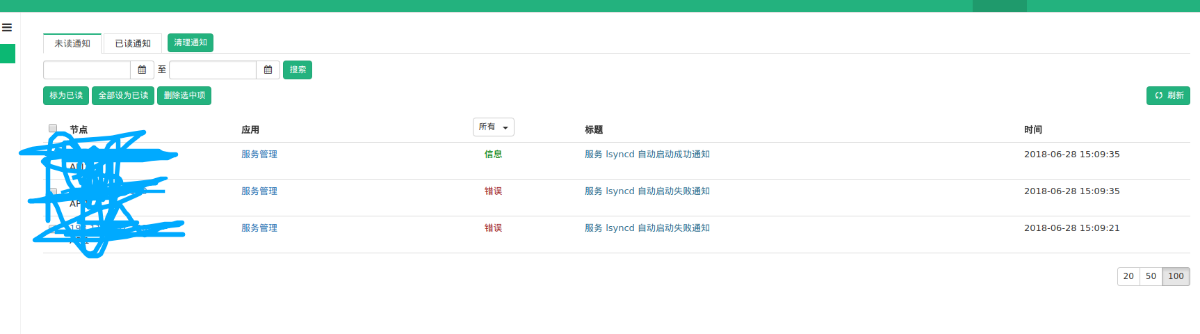
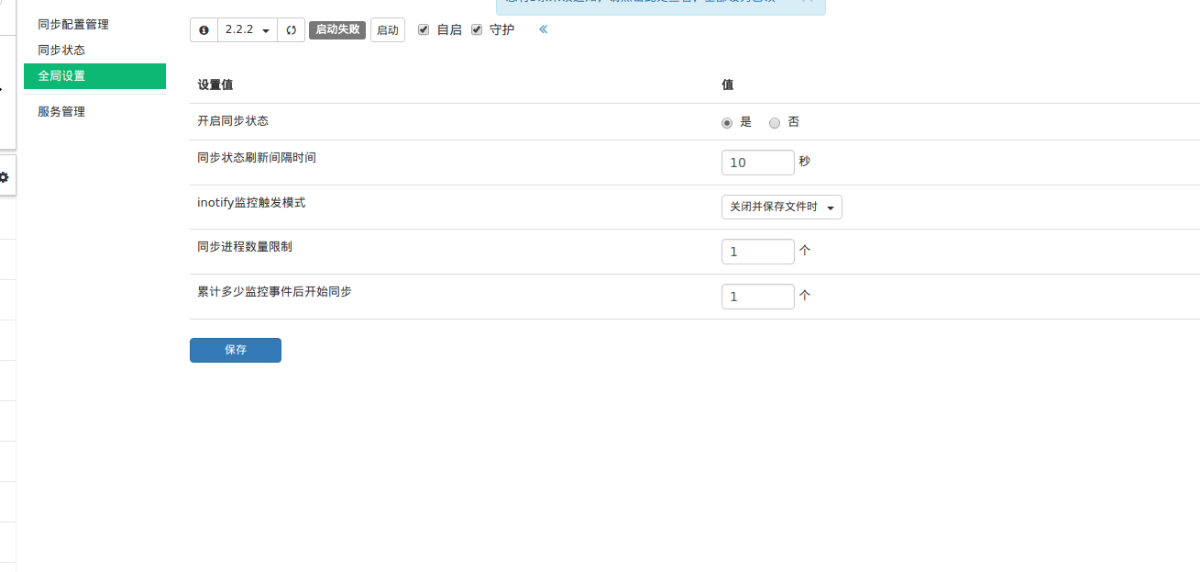
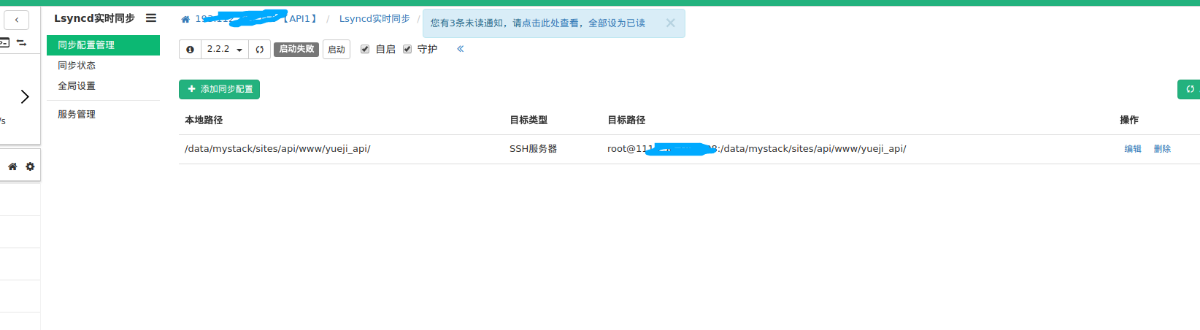
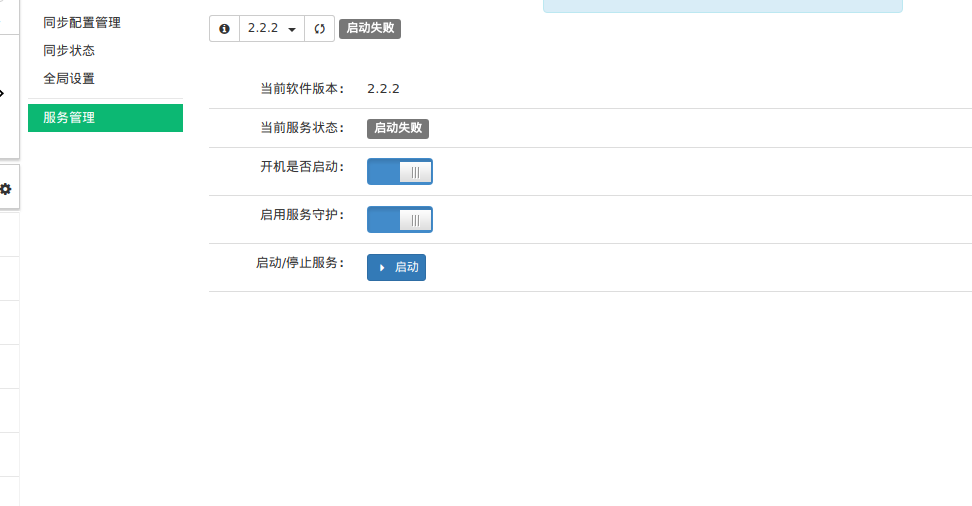
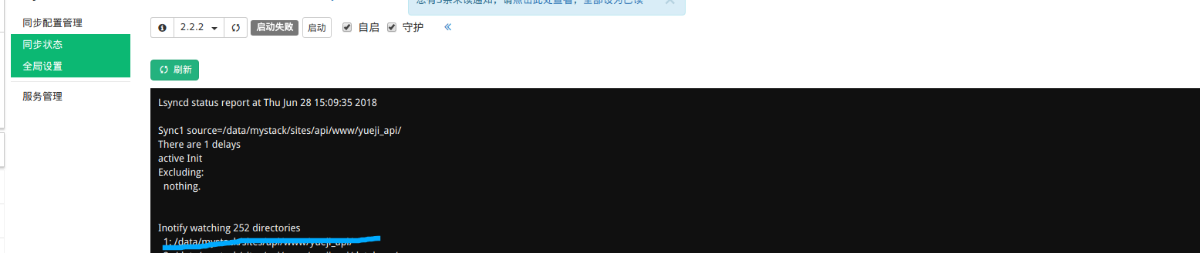
[root@VM_0_41_centos ~]# tail -f /var/log/messages Jun 28 15:48:11 VM_0_41_centos systemd: lsyncd.service failed. Jun 28 15:48:59 VM_0_41_centos systemd: Started Session 51 of user root. Jun 28 15:48:59 VM_0_41_centos systemd-logind: New session 51 of user root. Jun 28 15:48:59 VM_0_41_centos systemd: Starting Session 51 of user root. Jun 28 15:48:59 VM_0_41_centos dbus-daemon: dbus[622]: [system] Activating service name='org.freedesktop.problems' (using servicehelper) Jun 28 15:48:59 VM_0_41_centos dbus[622]: [system] Activating service name='org.freedesktop.problems' (using servicehelper) Jun 28 15:48:59 VM_0_41_centos dbus[622]: [system] Successfully activated service 'org.freedesktop.problems' Jun 28 15:48:59 VM_0_41_centos dbus-daemon: dbus[622]: [system] Successfully activated service 'org.freedesktop.problems' Jun 28 15:49:01 VM_0_41_centos systemd: Started Session 52 of user root. Jun 28 15:49:01 VM_0_41_centos systemd: Starting Session 52 of user root. Jun 28 15:49:23 VM_0_41_centos systemd: Started Live Syncing (Mirror) Daemon. Jun 28 15:49:23 VM_0_41_centos systemd: Starting Live Syncing (Mirror) Daemon... Jun 28 15:49:23 VM_0_41_centos lsyncd: ssh: connect to host 这是IP port 22: Connection refused Jun 28 15:49:23 VM_0_41_centos lsyncd: rsync: connection unexpectedly closed (0 bytes received so far) [sender] Jun 28 15:49:23 VM_0_41_centos lsyncd: rsync error: unexplained error (code 255) at io.c(226) [sender=3.1.2] Jun 28 15:49:23 VM_0_41_centos lsyncd: 15:49:23 Error: Temporary or permanent failure on startup of /data/mystack/sites/api/www/yueji_api/ -> root@这是IP:/data/mystack/sites/api/www/yueji_api/. Terminating since "insist" is not set. Jun 28 15:49:23 VM_0_41_centos lsyncd: 15:49:23 Normal: --- Startup --- Jun 28 15:49:23 VM_0_41_centos lsyncd: 15:49:23 Normal: recursive startup rsync: /data/mystack/sites/api/www/yueji_api/ -> root@这是IP:/data/mystack/sites/api/www/yueji_api/ Jun 28 15:49:23 VM_0_41_centos systemd: lsyncd.service: main process exited, code=exited, status=255/n/a Jun 28 15:49:23 VM_0_41_centos systemd: Unit lsyncd.service entered failed state. Jun 28 15:49:23 VM_0_41_centos systemd: lsyncd.service failed. Jun 28 15:49:32 VM_0_41_centos systemd: Started Live Syncing (Mirror) Daemon. Jun 28 15:49:32 VM_0_41_centos systemd: Starting Live Syncing (Mirror) Daemon... Jun 28 15:49:32 VM_0_41_centos lsyncd: ssh: connect to host 这是IP port 22: Connection refused Jun 28 15:49:32 VM_0_41_centos lsyncd: rsync: connection unexpectedly closed (0 bytes received so far) [sender] Jun 28 15:49:32 VM_0_41_centos lsyncd: rsync error: unexplained error (code 255) at io.c(226) [sender=3.1.2] Jun 28 15:49:32 VM_0_41_centos lsyncd: 15:49:32 Error: Temporary or permanent failure on startup of /data/mystack/sites/api/www/yueji_api/ -> root@这是IP:/data/mystack/sites/api/www/yueji_api/. Terminating since "insist" is not set. Jun 28 15:49:32 VM_0_41_centos lsyncd: 15:49:32 Normal: --- Startup --- Jun 28 15:49:32 VM_0_41_centos lsyncd: 15:49:32 Normal: recursive startup rsync: /data/mystack/sites/api/www/yueji_api/ -> root@这是IP:/data/mystack/sites/api/www/yueji_api/ Jun 28 15:49:32 VM_0_41_centos systemd: lsyncd.service: main process exited, code=exited, status=255/n/a Jun 28 15:49:32 VM_0_41_centos systemd: Unit lsyncd.service entered failed state. Jun 28 15:49:32 VM_0_41_centos systemd: lsyncd.service failed.
Jun 28 16:12:15 VM_0_41_centos lsyncd: Warning: Permanently added '[ip]:22' (ECDSA) to the list of known hosts. Jun 28 16:13:01 VM_0_41_centos systemd: Started Session 79 of user root. Jun 28 16:13:01 VM_0_41_centos systemd: Starting Session 79 of user root.
Jun 28 17:01:08 VM_0_41_centos lsyncd: 17:00:56 Normal: Finished a list after exitcode: 0 Jun 28 17:01:08 VM_0_41_centos lsyncd: 17:01:08 Normal: --- TERM signal, fading --- Jun 28 17:01:08 VM_0_41_centos systemd: lsyncd.service: main process exited, code=exited, status=143/n/a Jun 28 17:01:08 VM_0_41_centos systemd: Unit lsyncd.service entered failed state. Jun 28 17:01:08 VM_0_41_centos systemd: lsyncd.service failed.